Overview & Pedagogical Objective
Deliberate shadowing practice is an iterative accumulation of articulatory skill. Without structured progress feedback and periodic self-audits, learners risk plateauing or losing momentum.
The Learner Progress Hub serves as central command for your speech training journey. It unifies high-frequency telemetry, spaced repetition consolidation, and long-term acoustic archiving into a single local-first dashboard.
flowchart LR
  subgraph Hub ["1. Mastery & Telemetry"]
    H1["Mastery Heatmap & Habit Cadence\n(Practice Streaks & Weekly Speech Minutes)"]
  end

  subgraph SRS ["2. Leitner 5-Box Matrix"]
    S1["Spaced Repetition Review\n(Scheduled Collocation Recall & Box Progression)"]
  end

  subgraph Vault ["3. Spoken Takes Vault"]
    V1["IndexedDB Audio Vault\n(Solo Playback, A/B Compare & Milestone Pinning)"]
  end

  subgraph Export ["4. Audio & Backup Export"]
    E1["Audio & Progress Export\n(Encrypted JSON Backup & Long-Term Retention)"]
  end

  Hub --> SRS
  SRS --> Vault
  Vault --> Export
Deliberate Progress & Vault Review Protocol (4 Phases)
Follow this 4-step workflow to audit your practice consistency and maintain your auditory journal:
Mastery Heatmap & Deliberate Practice Telemetry
Track your acoustic practice volume and streak velocity. Consistent daily 15-minute shadowing outperforms sporadic marathon sessions for neuromuscular speech training.
Navigate to /progress. Inspect the Habit Cadence Card, active scenario resume banner, and weekly speech minutes metrics.
The Overview & Cadence dashboard visualizes your practice rhythm. The Habit Cadence Card tracks active rehearsal streaks, while the Cumulative Metrics Bar aggregates total spoken takes, minutes logged, and mastered collocations.
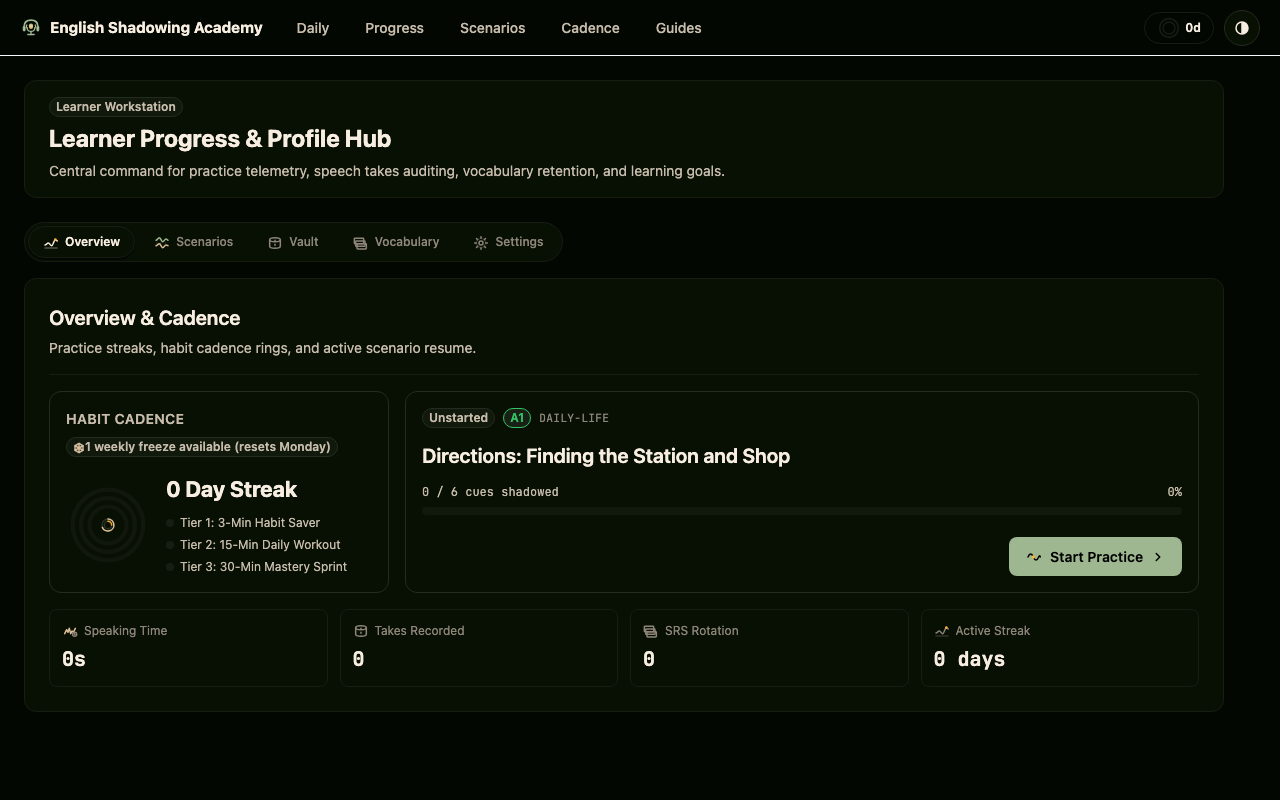
Review your cadence metrics before each session. Checking your weekly active days reinforces the daily habit loop and keeps cognitive friction low.
Practicing only when feeling motivated. Neuromuscular speech patterns require regular motor rehearsal; rely on daily routine rather than willpower.
Leitner 5-Box Matrix & Active Collocation Recall
Reinforce lexical retrieval in tandem with phonological stress patterns. When reviewing collocations, vocalize the full phrase with correct primary stress rather than silently reading.
Click the Vocabulary tab in the Learner Hub. Review cards due for spaced review, inspect box distributions from Box 1 (daily) to Box 5 (monthly mastery), and trigger recall drills.
The Vocabulary & SRS Matrix integrates spaced repetition directly into your practice cycle. Cues advance through 5 Leitner boxes as your retrieval accuracy strengthens, guaranteeing that fragile collocations resurface before memory decays.
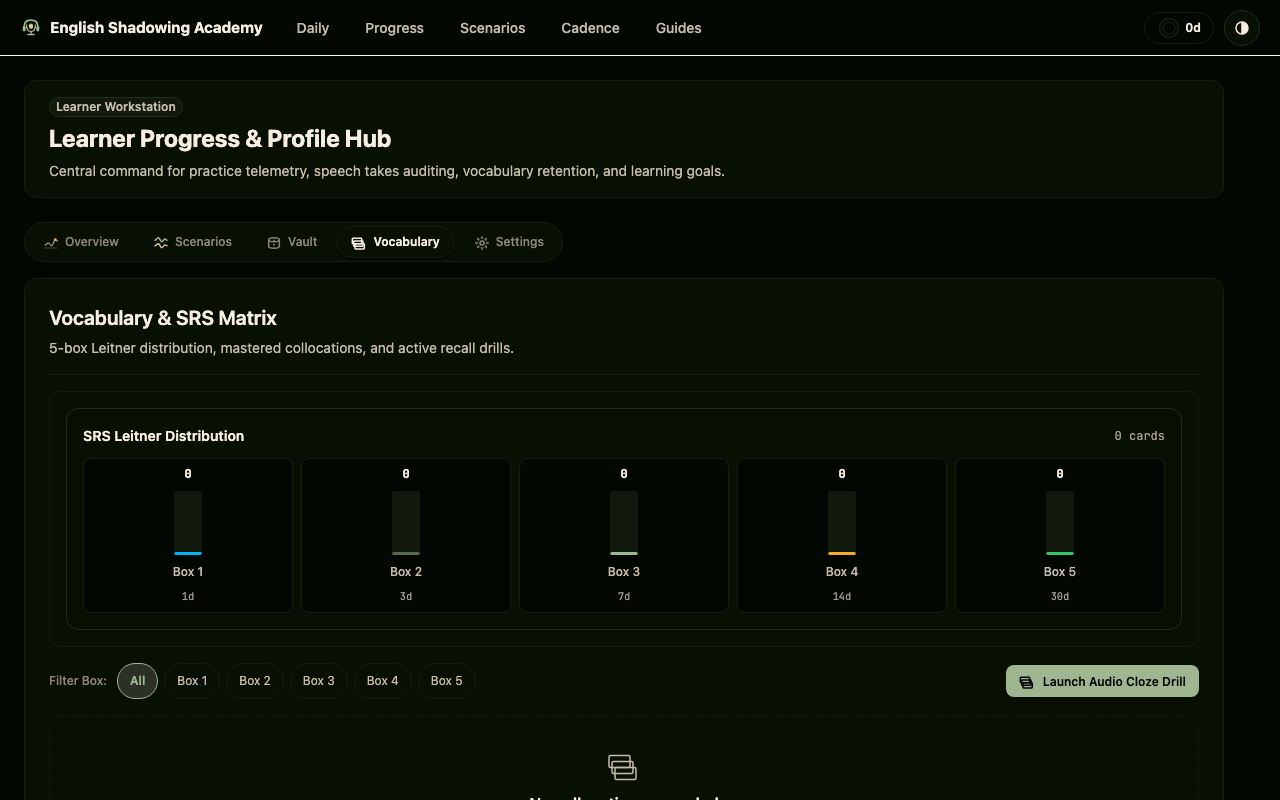
Always speak collocations aloud during vocabulary review. Associating the phrase's motor rhythm with its semantic meaning doubles long-term retention.
Advancing cards to higher boxes prematurely without verifying auditory fluency. If you stumbled on pronunciation, keep the card in Box 1 for next-day review.
Spoken Takes Vault & Longitudinal Milestone Pinning
Audit your historical recordings against the native model across multi-week intervals. Listen for reductions in hesitation pauses and tighter boundary pitch control.
Select the Vault tab. Filter takes by CEFR level or milestone status. Star your best takes to permanently exempt them from the 30-day auto-eviction cycle.
The Takes Vault stores every spoken take locally on your device in IndexedDB. Filter chips allow fast navigation across CEFR levels and starred milestones, providing solo playback, comparative A/B audition, and non-destructive silence trimming.
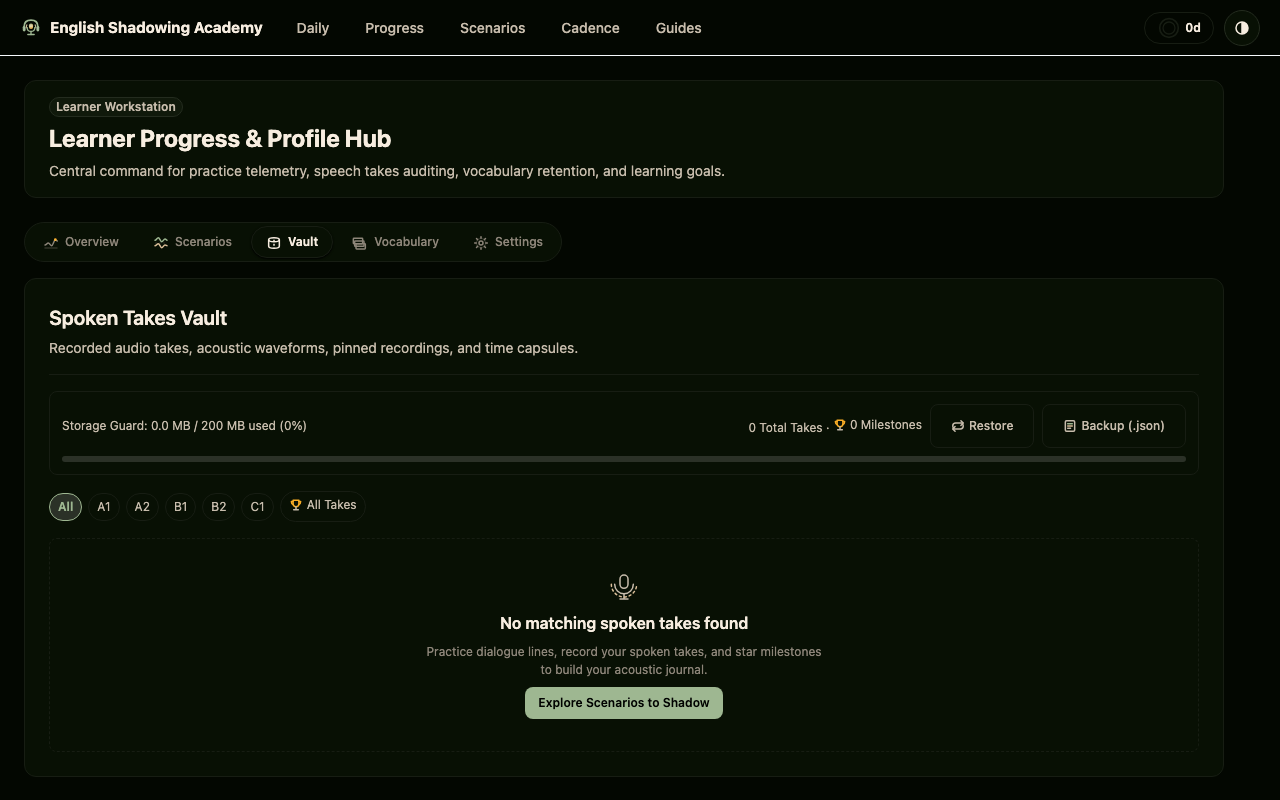
Star exactly one milestone take per scenario dialogue turn. Milestone recordings serve as high-resolution time capsules that prove your phonetic evolution.
Allowing your storage to fill up with uncurated practice takes without starring breakthroughs. Pinned takes are permanently preserved in your browser's IndexedDB.
Offline Backup Serialization & Audio Archive Export
Preserve your spoken takes and SRS mastery history. Exporting encrypted local backups ensures your auditory journal remains safe across browser updates and device migrations.
Click 'Backup (.json)' in the Vault Storage Guard header or navigate to Settings. Export your local database archive containing all pinned takes and telemetry.
The Backup & Storage Guard safeguards your personal audio archives. A single click serializes your entire progress graph and pinned take audio blobs into a portable JSON backup file, ensuring 100% data sovereignty.
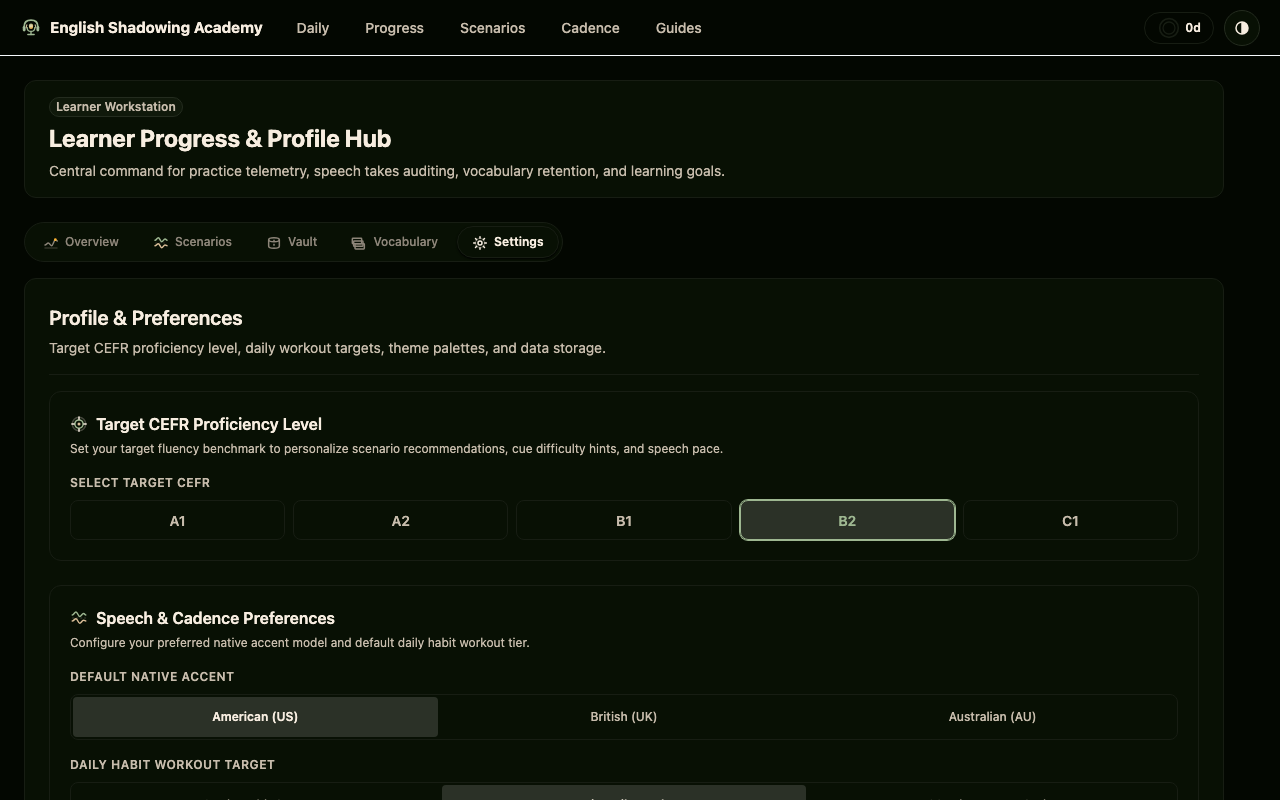
Export a monthly backup after completing major curriculum modules. Keep your backup archive in cloud storage for seamless synchronization across multiple workstations.
Clearing browser cookies and cache without exporting your backup. Because English Shadowing Academy is 100% local-first and privacy-preserving, your takes live exclusively on your device.